 Singself
Your voice.
Any song.
Record yourself for half a minute. Singself learns how you sound, then sings songs you never recorded, in your voice.

How it works
Three steps. No studio, no vocal lessons.
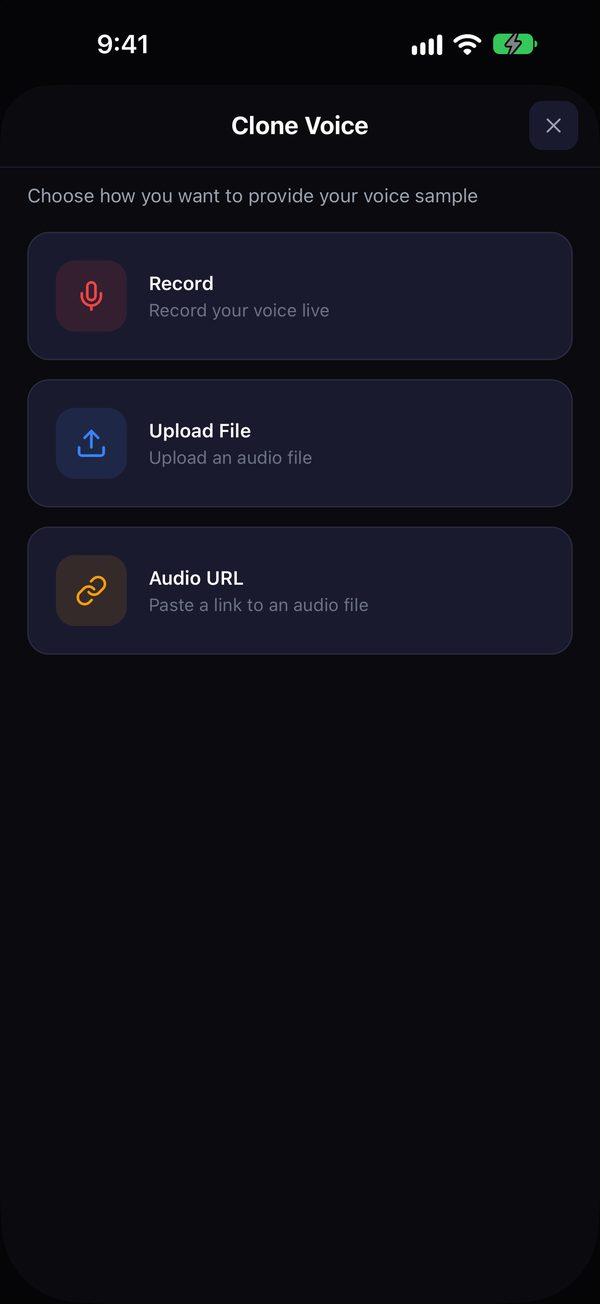
Give it your voice
Record straight into the app, upload a voice memo, or paste a YouTube link of yourself singing. 15–30 seconds of clean audio is enough.
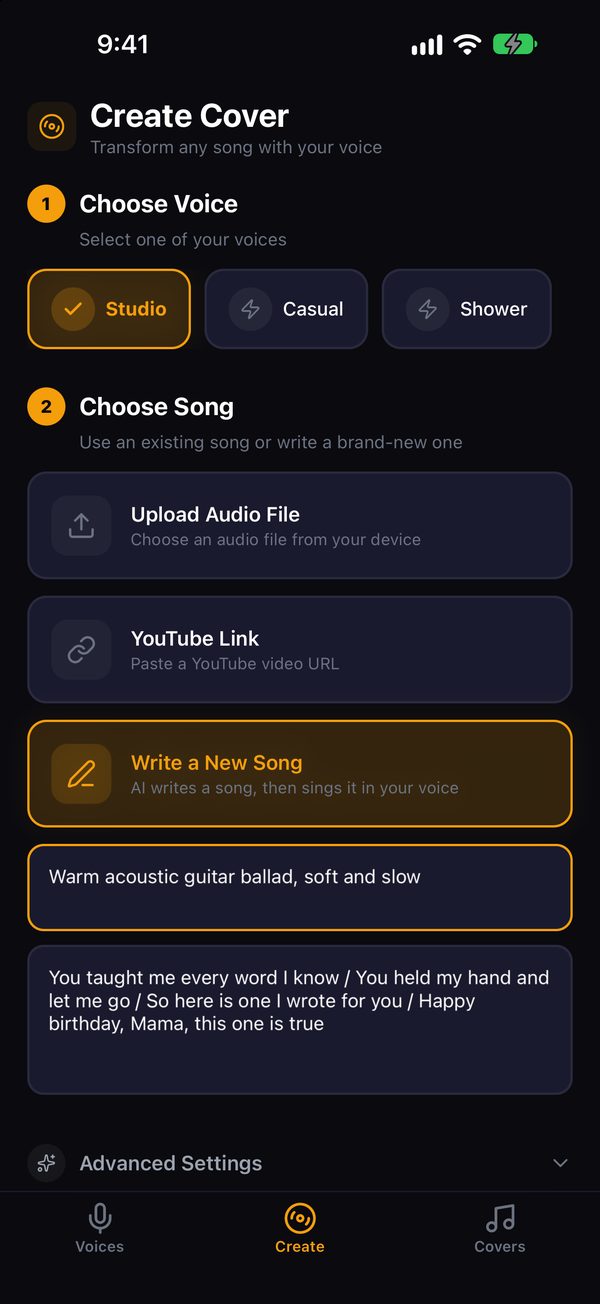
Pick the song
Upload a track, paste a YouTube link, or describe a style and add your own lyrics. Singself can write a brand-new song for you.
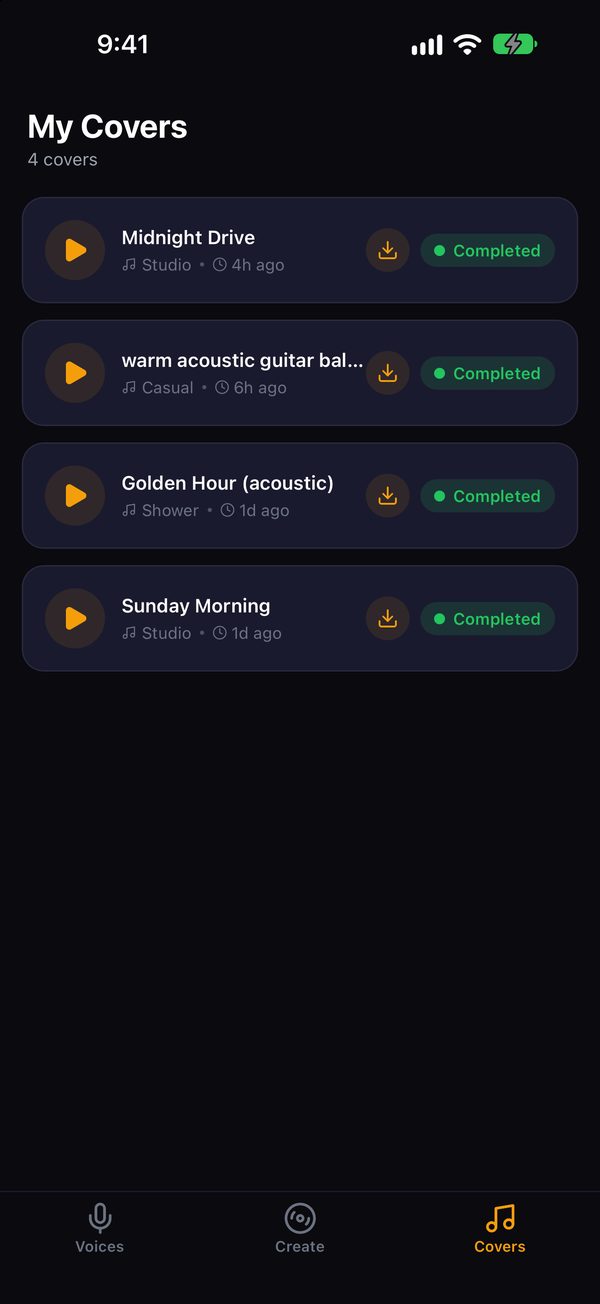
Hear yourself sing it
Singself swaps the original vocals for yours. Play it, save it to your phone, or share it as a video.
What's inside
Two voice types, three ways in, and a songwriter.
Instant voice
Ready from one clip, no training and no waiting. Good for trying songs fast.
Pro voice
Trains a dedicated model on your recording in about 6 to 15 minutes. The cleanest, most "you" sound.
Write my song
Type a style ("slow acoustic ballad, rainy night") and optional lyrics. You get an original song, sung in your voice.
Pitch shift
Male-to-female or female-to-male presets, so a song written for a different range still sounds like you.
Save to Photos
Turn any cover into a video with artwork, ready for Stories, Reels or a family chat.
Your library stays on your phone
No account and no sign-up. Your voices and covers are listed on your device.
Questions
How much of my voice does it need?
15 to 30 seconds of clear singing or speaking works. Longer is better for Pro voices. Record somewhere quiet, with no music playing underneath.
What's the difference between Instant and Pro?
Instant uses your clip directly, so it's ready right away. Pro trains a model on your voice first (about 6 to 15 minutes) and sounds cleaner and more consistent.
Do I need an account?
No. There's no sign-up. Your list of voices and covers is saved on your phone.
What happens to my recordings?
They're uploaded to our servers and processed by our AI provider to build your voice and your songs. We don't sell them or use them for ads. The privacy policy explains exactly where they go and how to have them deleted.
Can I make a famous singer sing my song?
No. Only clone your own voice, or a voice whose owner has given you permission.
Can I post my covers?
Your voice is yours, but the song usually isn't. Covers of other people's songs are fine for personal listening; publishing them can need permission from the songwriter or label. Original songs from "Write my song" avoid that problem.
When can I get it?
Singself is coming soon to the App Store for iPhone. Email support@singself.com if you want a note when it's out.